
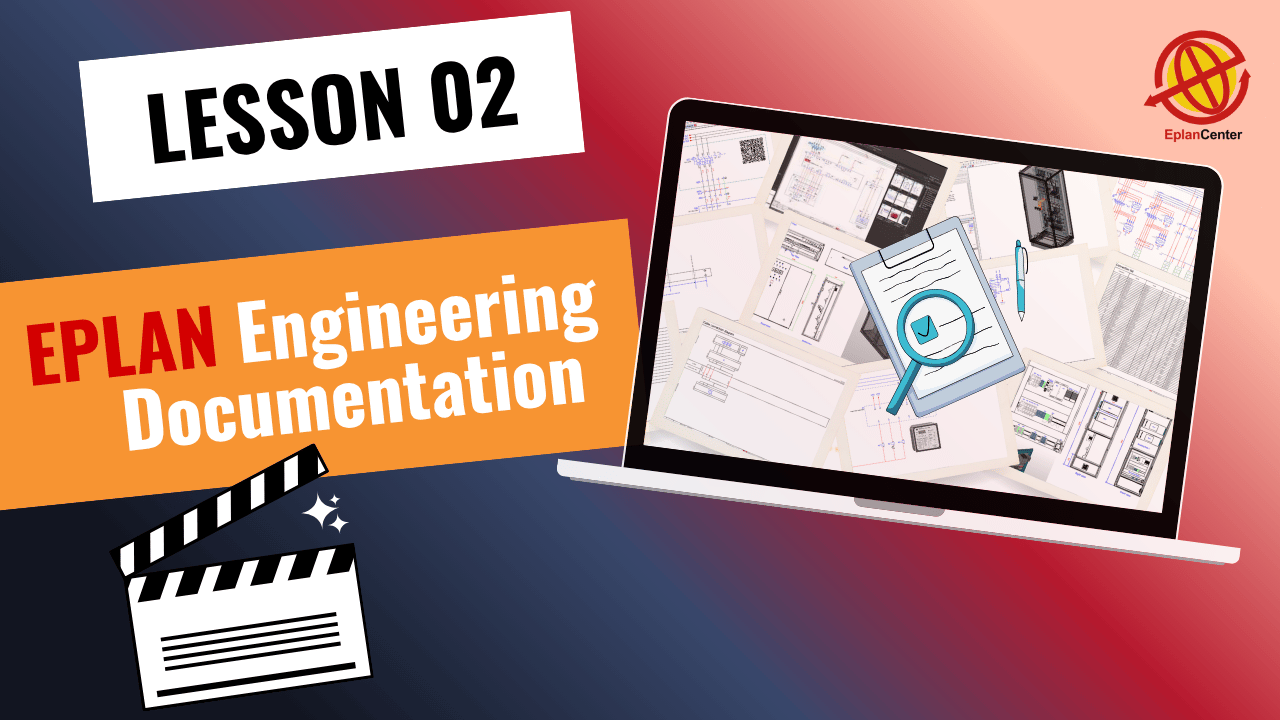
EPLAN Project Documentation & Reports
Discover how to create and manage EPLAN project documentation and generate detailed EPLAN reports. Explore the sample industrial project from the Free EPLAN Training and understand how all components are organized and interconnected.
Understanding EPLAN Project Documentation
In this second lesson, you will get a practical introduction to EPLAN project documentation, which is the backbone of industrial electrical projects. Proper documentation ensures that your designs are clear, organized, and ready for implementation.
Key Project Documents
We start by reviewing the most important project documents in EPLAN, including:
Cable Diagrams — illustrate cable routing and connections throughout the system.
Cable Overviews — provide a complete summary of all cables used.
Terminal Diagrams — show terminal connections and organization in detail.
These documents form the foundation for planning, installation, and troubleshooting in real-world projects.
Sample Project Overview
Next, we introduce the sample project from the Full EPLAN 2024 Training Package, which includes:
Two main panels: a sub-panel and a control panel
Key equipment such as PLCs, motors, lighting, and instrumentation devices
This project demonstrates how components are documented, interconnected, and managed using EPLAN.
Managing Project Data & Generating EPLAN Reports
You will learn how to manage project data effectively and create detailed EPLAN reports. Topics include:
Controlling plot frames
Tracking project changes
Managing forms
Generating advanced project reports
We also cover how EPLAN integrates with Excel, Siemens SIMATIC, AutoCAD, and SolidWorks to efficiently manage outputs.
EPLAN Database & Data Management
An introduction to the EPLAN database system will help you:
Build custom databases
Use the Data Portal efficiently
Manage master data for consistent and reliable project documentation
Exporting Documentation
Finally, you will learn how to export EPLAN project documentation in multiple formats, such as PDF and AutoCAD files. Advanced tools like custom templates and the message system will also be covered to optimize your workflow.
This session sets the foundation for the rest of the course. All lessons are 100% project-based and follow official EPLAN training while being tailored for users both in Iran and internationally. Subsequent sessions will gradually cover topics from beginner to advanced levels.
✅ This free course includes the first 20 sessions of our full 90-session Complete EPLAN P8 Program.
If you want to continue and access the full professional training, the remaining sessions are available in the complete package.
🚀 Start learning EPLAN step by step and build strong practical skills for your engineering career.

Mohammad Rahmati
Founder & Lead EPLAN Instructor – EPLAN Center
With over 15 years of specialized experience in electrical engineering, industrial automation, and panel design, I have worked extensively across major oil, gas, petrochemical, energy, and manufacturing projects. My expertise spans:
• Electrical, instrumentation, and Ex-proof panel design
• Industrial automation & control systems
• Engineering documentation and standards development
• Optimization of design workflows using EPLAN
• Technical consulting for engineering teams and industrial companies
As the founder and lead instructor at EPLAN Center, I have trained more than 4,000 engineers and technicians, helping organizations adopt modern, standardized, and error-reduced engineering processes. I have authored over 100 hours of structured, industry-focused EPLAN training, designed to build real-world skills from beginner to advanced levels.
I hold an M.Sc. in Power Engineering and an MBA, and continue to work with engineering teams to advance best practices in digital design and documentation.

Alireza Momeni
EPLAN Presenter & Project Engineering Specialist
I am a Telecommunications Electrical Engineer with a Master’s degree from TU Darmstadt, Germany. With over a decade of experience in electrical engineering and hardware development, I have contributed to a wide range of industrial and technical projects across Europe.
I currently work as a Project Engineer at the European Central Bank (ECB) in Frankfurt, where I design and document complex electrical and communication systems. In my daily workflow, I use EPLAN to develop structured, reliable, and fully standardized project layouts.
At EPLAN Center, I combine my strong engineering background with clear technical communication, serving as an EPLAN Presenter and contributing to the creation of high-quality, real-industry-based educational content. My focus on precision, clarity, and practical engineering makes me an essential part of the EPLAN Center team.
Try Free Lessons or Enroll in the Full EPLAN Course
Information Alert: Not sure? All courses have a 30-day money-back guarantee.
| Features | Free Course ✅ | Full Course 💎 |
|---|---|---|
| Online video content | ✅ 20 sessions | ✅ 90+ sessions |
| Certificate of completion | ❌ | ✅ |
| Instructor Q&A | ❌ | ✅ |
| Instructor direct message | ❌ | ✅ |
| Sample project files & exercises | ❌ | ✅ |
| EPLAN software & Data Portal | ❌ | ✅ |
| Free updates | ❌ | ✅ |






Not exactly. You do not manually create most of these reports.
What is really important is learning how to create the main engineering documents correctly — especially the multi-line schematic — in a proper and structured way using the EPLAN database.
After that, most reports are generated automatically. You mainly review them and export the outputs you need.
Then, when you create the 3D panel layout connected to your project, its related reports are also extracted automatically.
Of course, each company may only need certain report types for their workflow. But after this course, you will be able to generate any report type, create custom report forms, and build your own documentation format.
That is the stage where you start becoming a professional EPLAN user.

This is exactly the problem for many people 😊
They hear terms like terminal diagram, cable diagram, plug diagram, connection list… but in practice, it is not very clear what they really mean or why we need them. Even if someone explains the definition, it still does not become fully understandable.
That is why in this course we created a real industrial project.
First, we understand how a project is defined. Then we understand *why* we need each document. For example, when we talk about a connection list, we first explain what happens in the engineering and production process, what the actual need is, and then you understand why this document is important and how it solves that need.
The reality is: understanding the difference between these documents only becomes clear when you work on a real project.
And that is exactly what happens in this 90-lesson training course — learning through a real project and understanding the purpose behind every document.
do I need to learn all report types in EPLAN or only basic ones enough for job requirement?
Not exactly. You do not manually create most of these reports.
What is really important is learning how to create the main engineering documents correctly — especially the multi-line schematic — in a proper and structured way using the EPLAN database.
After that, most reports are generated automatically. You mainly review them and export the outputs you need.
Then, when you create the 3D panel layout connected to your project, its related reports are also extracted automatically.
Of course, each company may only need certain report types for their workflow. But after this course, you will be able to generate any report type, create custom report forms, and build your own documentation format.
That is the stage where you start becoming a professional EPLAN user.
terminal diagram… cable diagram… plug diagram… honestly what is difference? why so many for one project?
This is exactly the problem for many people 😊
They hear terms like terminal diagram, cable diagram, plug diagram, connection list… but in practice, it is not very clear what they really mean or why we need them. Even if someone explains the definition, it still does not become fully understandable.
That is why in this course we created a real industrial project.
First, we understand how a project is defined. Then we understand *why* we need each document. For example, when we talk about a connection list, we first explain what happens in the engineering and production process, what the actual need is, and then you understand why this document is important and how it solves that need.
The reality is: understanding the difference between these documents only becomes clear when you work on a real project.
And that is exactly what happens in this 90-lesson training course — learning through a real project and understanding the purpose behind every document.