
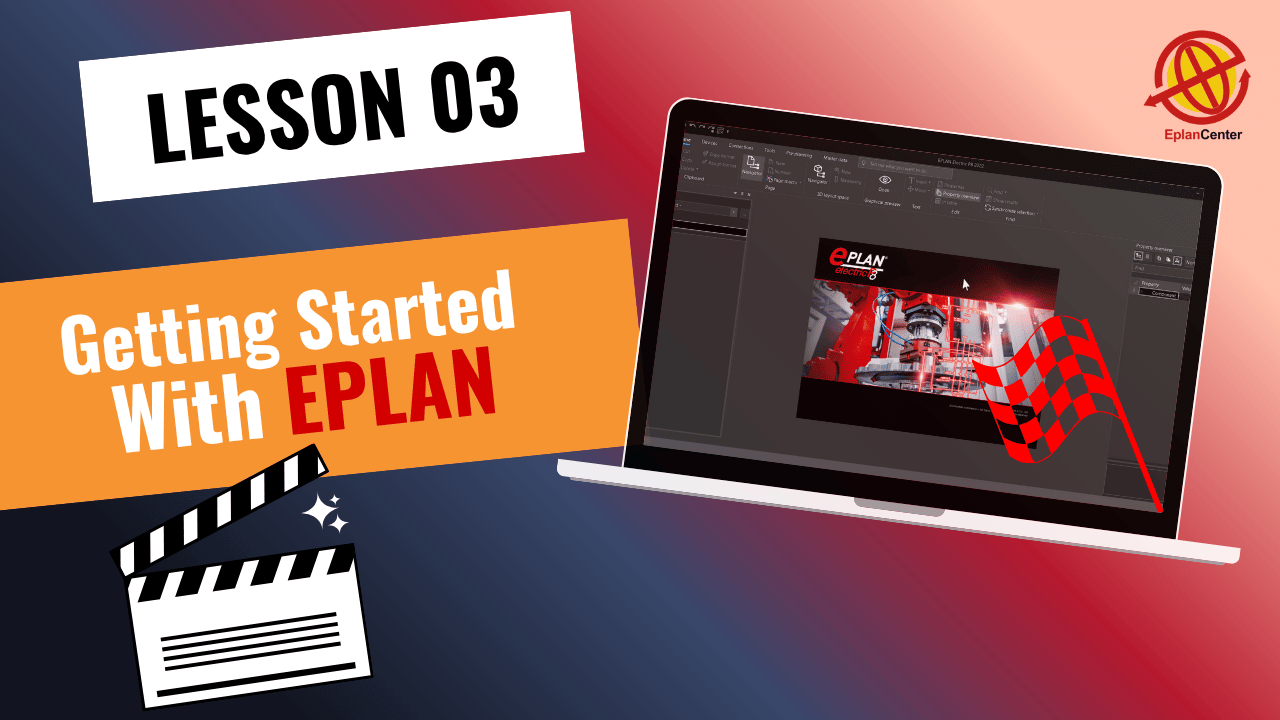
Professional EPLAN Tutorial for Beginners
Discover the EPLAN environment in this tutorial, explore key updates in EPLAN 2022-2026, and learn how to set up projects using templates and navigators. Start your professional workflow with essential tools and tips for EPLAN beginners.
Getting Started with EPLAN: Tutorial for Beginners
In this session of the free EPLAN tutorial series, you will learn the foundational skills to work professionally with EPLAN 2022-2026
Introduction to the EPLAN 2022-2026 Interface
We begin with a guided overview of the EPLAN user interface, highlighting the changes and improvements from previous versions. This helps beginners get familiar with the layout, tools, and main navigation areas.
Navigators and Project Management
Next, you’ll learn how to use Navigators to efficiently organize and manage your projects. Navigators are key tools in any professional workflow, making project tracking and updates much easier.
Project Templates and Standards
Different project templates (Basic Projects) are introduced, along with an explanation of how to select the right one based on standards like IEC or NFPA. Understanding templates is crucial for consistent project setup and smooth design workflows.
Key Project Structure Concepts
Essential elements of project structure, including Functions, Locations, and Document Types, are explained clearly with practical examples. This section ensures you understand how to structure projects according to professional standards.
Creating a New Project with IEC Bas_003 Template
Finally, you’ll learn how to create a new project and set up the IEC Bas_003 template, the most complete template for advanced projects. This gives you a ready-to-use framework for professional electrical design.
✨ This lesson marks your starting point in EPLAN tutorial series. In the upcoming lessons, we will continue with EPLAN project setup, drawing schematics, configuring pages, and managing documents for your projects.
✅ This free course includes the first 20 sessions of our full 90-session Complete EPLAN P8 Program.
If you want to continue and access the full professional training, the remaining sessions are available in the complete package.

Mohammad Rahmati
Founder & Lead EPLAN Instructor – EPLAN Center
With over 15 years of specialized experience in electrical engineering, industrial automation, and panel design, I have worked extensively across major oil, gas, petrochemical, energy, and manufacturing projects. My expertise spans:
• Electrical, instrumentation, and Ex-proof panel design
• Industrial automation & control systems
• Engineering documentation and standards development
• Optimization of design workflows using EPLAN
• Technical consulting for engineering teams and industrial companies
As the founder and lead instructor at EPLAN Center, I have trained more than 4,000 engineers and technicians, helping organizations adopt modern, standardized, and error-reduced engineering processes. I have authored over 100 hours of structured, industry-focused EPLAN training, designed to build real-world skills from beginner to advanced levels.
I hold an M.Sc. in Power Engineering and an MBA, and continue to work with engineering teams to advance best practices in digital design and documentation.

Alireza Momeni
EPLAN Presenter & Project Engineering Specialist
I am a Telecommunications Electrical Engineer with a Master’s degree from TU Darmstadt, Germany. With over a decade of experience in electrical engineering and hardware development, I have contributed to a wide range of industrial and technical projects across Europe.
I currently work as a Project Engineer at the European Central Bank (ECB) in Frankfurt, where I design and document complex electrical and communication systems. In my daily workflow, I use EPLAN to develop structured, reliable, and fully standardized project layouts.
At EPLAN Center, I combine my strong engineering background with clear technical communication, serving as an EPLAN Presenter and contributing to the creation of high-quality, real-industry-based educational content. My focus on precision, clarity, and practical engineering makes me an essential part of the EPLAN Center team.
Try Free Lessons or Enroll in the Full EPLAN Course
Information Alert: Not sure? All courses have a 30-day money-back guarantee.
| Features | Free Course ✅ | Full Course 💎 |
|---|---|---|
| Online video content | ✅ 20 sessions | ✅ 90+ sessions |
| Certificate of completion | ❌ | ✅ |
| Instructor Q&A | ❌ | ✅ |
| Instructor direct message | ❌ | ✅ |
| Sample project files & exercises | ❌ | ✅ |
| EPLAN software & Data Portal | ❌ | ✅ |
| Free updates | ❌ | ✅ |


Thank you so much for your kind words! We’re glad you’re enjoying the free lessons.
We’ve already priced the complete course as affordably as possible considering the amount of content and its value.
However, please submit a support ticket through your account. If there are any available payment options or special assistance at the time, we’ll be happy to let you know.
We look forward to helping you continue your learning journey.


These are concepts that you need to understand within the context of a real project.
The three main structure elements are Function designation, Location designation, and Document type.
In a real large project in EPLAN Electric P8, we work with all of these together and see how they are connected in practice.
During this training course, we use these concepts repeatedly in different parts of the project so you can fully understand how they work together, not just as theory but in real engineering structure.

In general, the user interface, main tools, and menus in EPLAN Electric P8 versions 2022 and 2026 are essentially the same.
You may notice some minor changes in menu layout or small UI improvements, but nothing that affects the core workflow or how you work in projects.
The real big interface difference is between much older versions like 2.9 and earlier, where the environment and structure were noticeably different.
So if you follow this course, it does not matter whether you install version 2022, 2023, 2024, or 2026 — all of them are fully compatible with what you learn. The differences are minor and will not interrupt the learning process at all.
Hi everyone i recently started Free tutorials 20 course. its completed course is very good comparing to other courses but i want to complete all courses but i don’t have that much money to buy a E-plan course.
Thank you so much for your kind words! We’re glad you’re enjoying the free lessons.
We’ve already priced the complete course as affordably as possible considering the amount of content and its value.
However, please submit a support ticket through your account. If there are any available payment options or special assistance at the time, we’ll be happy to let you know.
We look forward to helping you continue your learning journey.
You are very kind جزاك الله خيراً
what is best practice for project structure in EPLAN? functions, locations i dont fully get how they connect
These are concepts that you need to understand within the context of a real project.
The three main structure elements are Function designation, Location designation, and Document type.
In a real large project in EPLAN Electric P8, we work with all of these together and see how they are connected in practice.
During this training course, we use these concepts repeatedly in different parts of the project so you can fully understand how they work together, not just as theory but in real engineering structure.
what is main difference in interface between EPLAN 2022 and 2026? i see some menus changed but not sure what is important
In general, the user interface, main tools, and menus in EPLAN Electric P8 versions 2022 and 2026 are essentially the same.
You may notice some minor changes in menu layout or small UI improvements, but nothing that affects the core workflow or how you work in projects.
The real big interface difference is between much older versions like 2.9 and earlier, where the environment and structure were noticeably different.
So if you follow this course, it does not matter whether you install version 2022, 2023, 2024, or 2026 — all of them are fully compatible with what you learn. The differences are minor and will not interrupt the learning process at all.