
Learn how EPLAN is used to design and construct industrial electrical projects, while understanding the essential prerequisites, real-world applications, and the career opportunities it opens.
tream 20 high-quality lessons in our Free EPLAN Training series from the full 90-lesson professional course. completely FREE — no payment required— start instantly and explore real-world EPLAN workflows, projects, and electrical design techniques.
20 Free Lessons
90+ Lessons Total
Completion Certificate
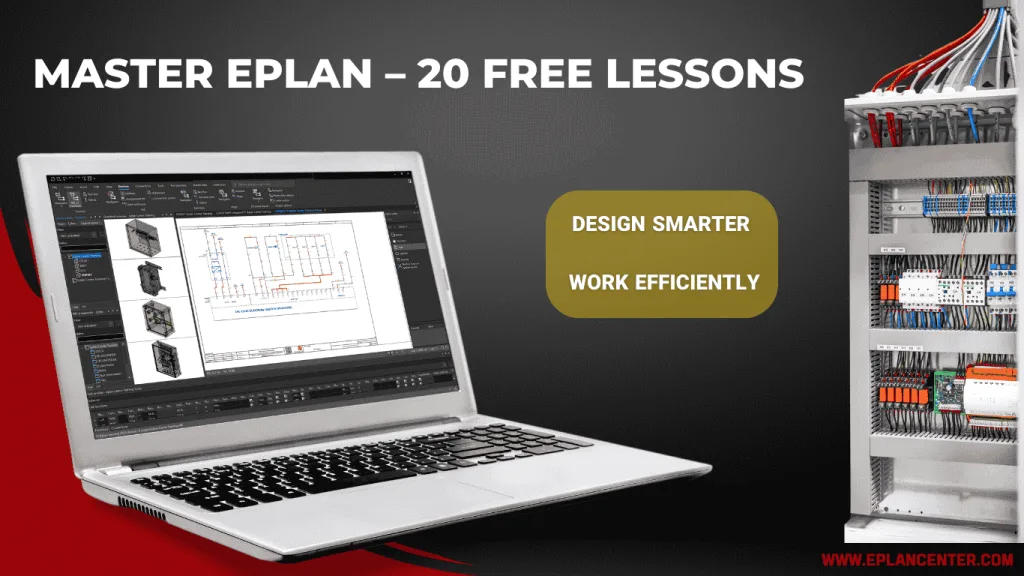
💻 EPLAN 2022-2026
⏱ 6h 15m
What you’ll learn
Hands-on Projects
Practice with real EPLAN projects used in industry.
Professional Electrical Design Workflows
Create complete 2D schematics with Eplan database, PLC wiring, cables, and smart reports.
From Beginner to Job‑Ready
Clear step-by-step lessons that prepare you for real tasks.
Start Learning EPLAN Today — Watch 20 Free EPLAN Training
Click any lesson in the Free EPLAN Training series to open the dedicated lesson page, watch the full video, and read the lesson notes.
Lesson 02 — Schematics & Engineering Documentation in EPLAN
Learn the types of electrical documentation that can be generated in EPLAN and their role in industrial projects. Review an overview of the course’s sample project in Free EPLAN Training and understand how its components are interconnected.
Lesson 03 — Getting Started Professionally with Free EPLAN Training
Explore the EPLAN environment, key updates in the latest version, and standard project setup. Learn to work with templates and navigators to prepare for professional electrical design workflows.
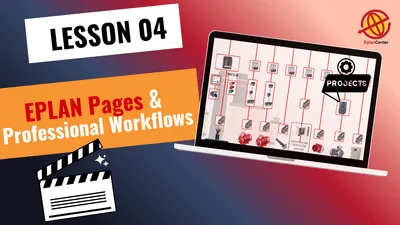
Lesson 04 — EPLAN Project Pages & Professional Workflows
Learn how to create multi-line schematics for sample control panels in EPLAN, configure page properties, and Explore a general overview of the electrical panel of sample project in Free EPLAN Training.
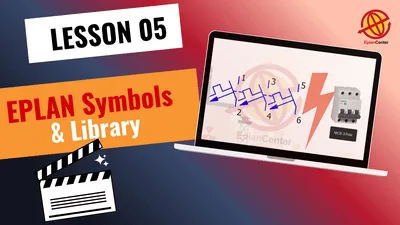
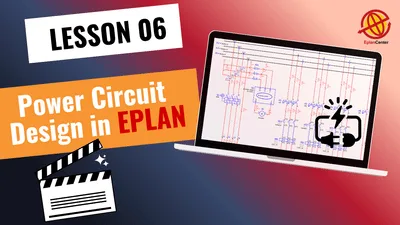
Lesson 06 — Power Circuit Design in EPLAN
Design professional power circuits using EPLAN: select optimal fuses, integrate power switching elements into control schematics, and apply efficient symbol‑grouping and connection methods with symbol libraries and standardised workflows.
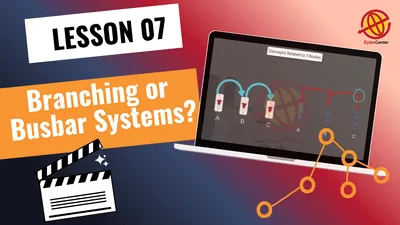
Lesson 07 — Load Distribution via Branching & Busbar Systems
Learn to implement proper branching between circuit‑breakers and fuses, and compare branching vs. busbar systems in EPLAN. Also master bulk editing and standardisation techniques to speed up your design workflows.
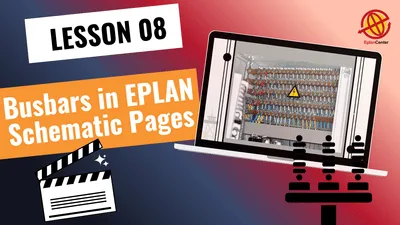
Lesson 08 — Busbar Systems in EPLAN Schematic Pages
Learn to draw busbars per standards, use the Busbar Connection Point tool for connections, and implement structured numbering for precise documentation.
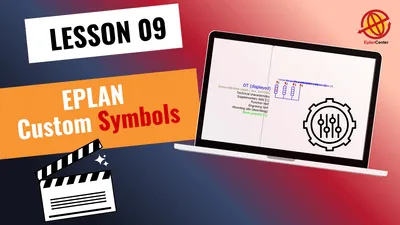
Lesson 9 – Creating Custom Symbols
Learn how to create custom symbols Eplan and add them to the Symbol Library. This lesson also shows how to edit existing symbols, define connection points, and ensure compliance with project standards.
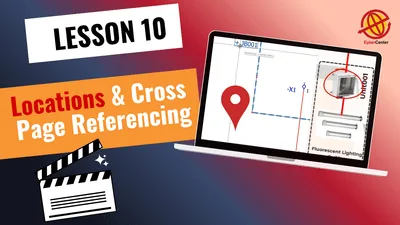
Lesson 10 – Location Designation & Cross-Page Referencing
Learn how to assign and manage Location Designations and structure identifiers to define installation positions in your project. This lesson also covers cross-page referencing, interruption points, and terminal jumpering for clear and consistent schematics.
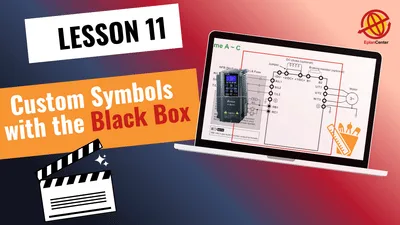
Lesson 11— Custom Symbols with the Black Box Tool – Part 1
Learn how to build custom device symbols using EPLAN’s Black Box, define connection points, variants, and manage symbol properties. You will also add images and catalog links to enhance documentation and prepare for advanced project design.
Lesson 14 – Control & Power Circuit Design with Meters and Signal Lamps
Design a complete power and control circuit step-by-step, including ammeter/CT wiring, phase-signal indicators, and selector configuration based on real catalogs. Learn efficient drafting techniques such as Embedded Forms, device tag formatting, and…

How Free EPLAN Training works:
1️⃣ Click any lesson in the Free EPLAN Training series — the lesson page opens with video and notes.
2️⃣ Watch all 20 free lessons to evaluate the course quality and real-world EPLAN workflows.
3️⃣ Upgrade anytime to the full 90-lesson professional course for downloadable files and an official certificate.